Quick Start
Train your first model on Velda Cloud
This short guide shows how to launch your first model training job on Velda Cloud in under two minutes.
1. Sign in or Register on Velda Cloud
Go to https://cloud.velda.io and sign in with your Velda account.
2. Create a Velda instance (PyTorch template)
A Velda instance is a virtual environment with dynamic compute resource.
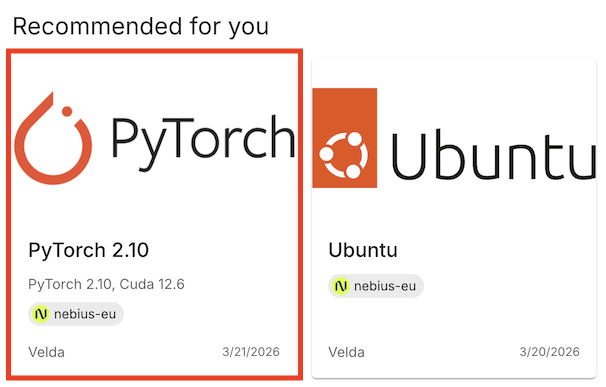
Click the PyTorch 2.10 template to create a pre-configured instance that includes a ready-to-run example and the necessary dependencies.
3. Connect to your instance
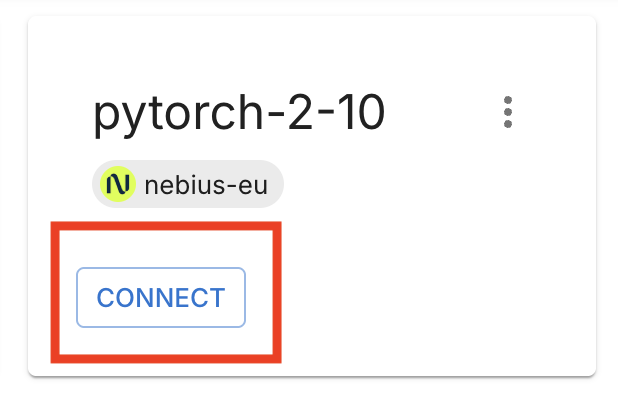
After the instance is created, click Connect. Velda launches a Code-server session in your browser with a default workspace containing example projects.
This workspace is yours: edit code, install packages, or open the project in your preferred IDE using SSH or the provided connection details.
4. Run the example training job
Open the terminal in Code-server (Ctrl+` on Windows/Linux, Control+` on macOS) and run:
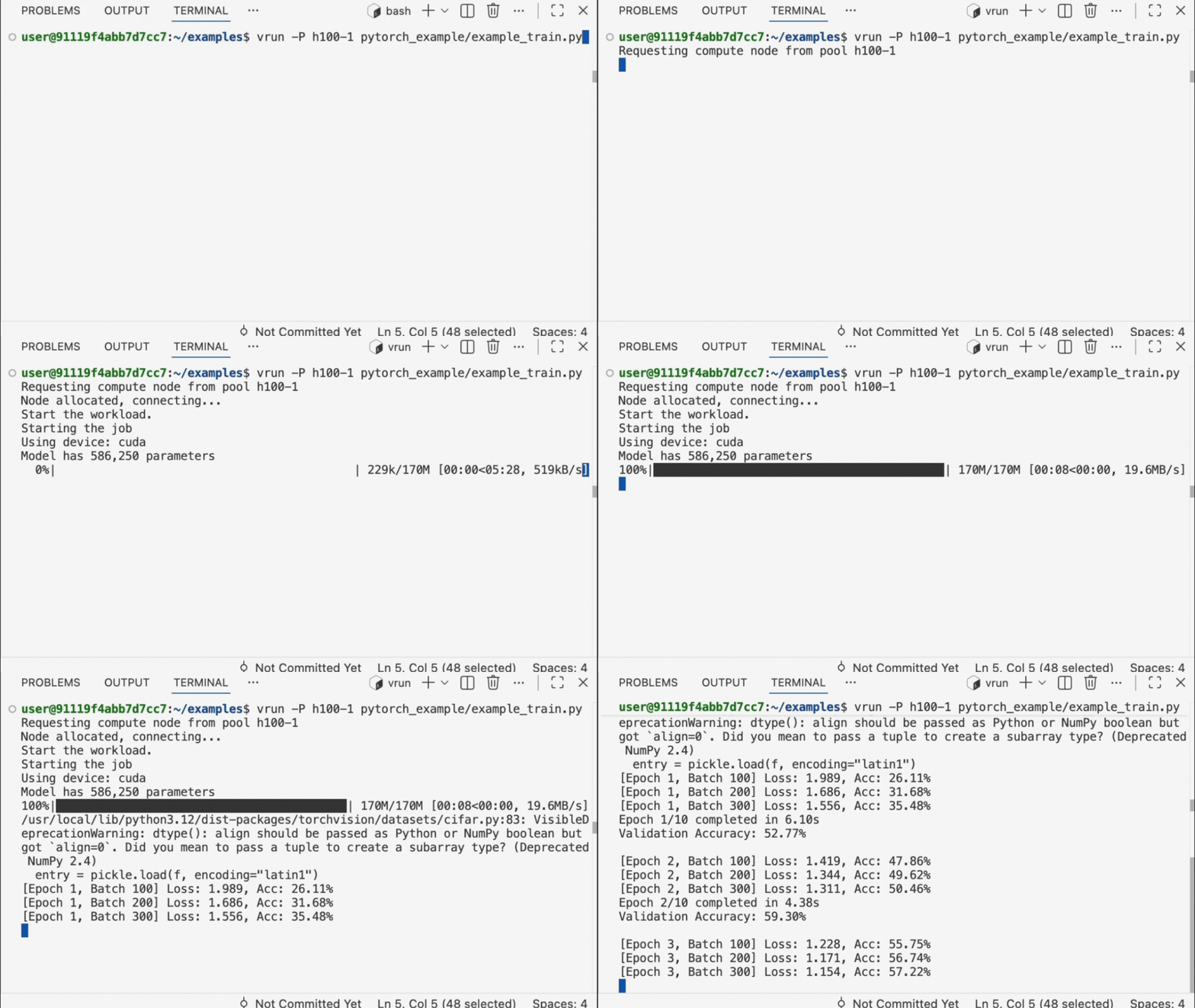
You should see the training job start and job output in the terminal. This training job will be running on H100 GPU instance.
Your First vrun Command
The vrun command executes commands on remote resources.
Use vbatch to run the command in the background:
Using Resource Pools
Resource pools provide access to different compute configurations. Consult your cluster admin for pool configuration. Use the -P flag to specify a pool:
# List available pools
velda pool list

# Run on default pool (shell, typically 1-4 cpus)
vrun python train.py

# Run on CPU-intensive pool
vrun -P cpu-large make -j 16

# Run on GPU pool in the background
vbatch -P gpu-t4 python train.py

# Run on high-end GPU pool
vbatch -P gpu-a100-8 python train.py --distributed
Install Packages
Velda guarantees your environment will be consistent when you scale, so you can install packages normally inside your Velda instance:
# Python packages
pip install torch torchvision transformers

# System packages
sudo apt update && sudo apt install -y htop

# Conda environments
conda create -n myenv python=3.11
conda activate myenv
pip install -r requirements.txt
Running Distributed training
Use vbatch -N to start distributed jobs with InfiniBand without extra setup.
You may use any backend like torchrun, Ray.
For velda.cloud, all the pools with suffix i supports infiniband.
Example:
vbatch -N 2 -s train- -P h100-8is sh -c 'torchrun \
    --nnodes=$VELDA_TOTAL_SHARDS \
    --nproc_per_node=8 \
    --node_rank=$VELDA_SHARD_ID \
    --rdzv_id=myjobid \
    --rdzv_backend=c10d \
    --rdzv_endpoint=train-0:29400 \
    train.py'
What does it do:
-N 2: Run the command with 2 shards in total.-s train-: Usetrain-[shard-id]as DNS name for each shard. The-suffix indicate the shard ID will be suffixed.-P h100-8is: Use pool h100-8is, which has 8 H100 GPUs on each node, support infiniband and preemptible(spot).sh -c: Wrap the command with sh to delay the parsing of environment variable (e.g.VELDA_SHARD_ID) until execution time.torchrun: Setup the distributed job withtorchrun--node_rank=$VELDA_SHARD_ID: Set the rank of the node based on the shard ID.--rdzv_endpoint=train-0:29400: You can usetrain-0to identify the address of the master.train.py: Your entrypoint of the job.
Currently, velda.cloud allows to run jobs on two preemptible 8xH100/H200 nodes instantly, with no setup or quota required. We're working with investors and data centers to bring more options and capacity, plus gang scheduling support. Stay tuned for the upcoming updates.
What’s next
- To run custom scripts, replace
pytorch_examples/example_train.pywith your script path. - Explore more templates, or set up your own from the Ubuntu templates or a custom container image.
- Explore running with other GPU models, check pricing for more pool options.
- Use
vrun --helpto see available flags and placement options.